
Can you create your own TV channel? Yes, absolutely! In today’s digital age, creating your own TV channel is more accessible than ever. You don’t need a massive studio or a broadcast license to reach viewers. Whether you dream of sharing your passion, building a community, or even generating income, you can establish your own platform for online broadcasting. This guide will walk you through the entire process, from initial concept to audience engagement.
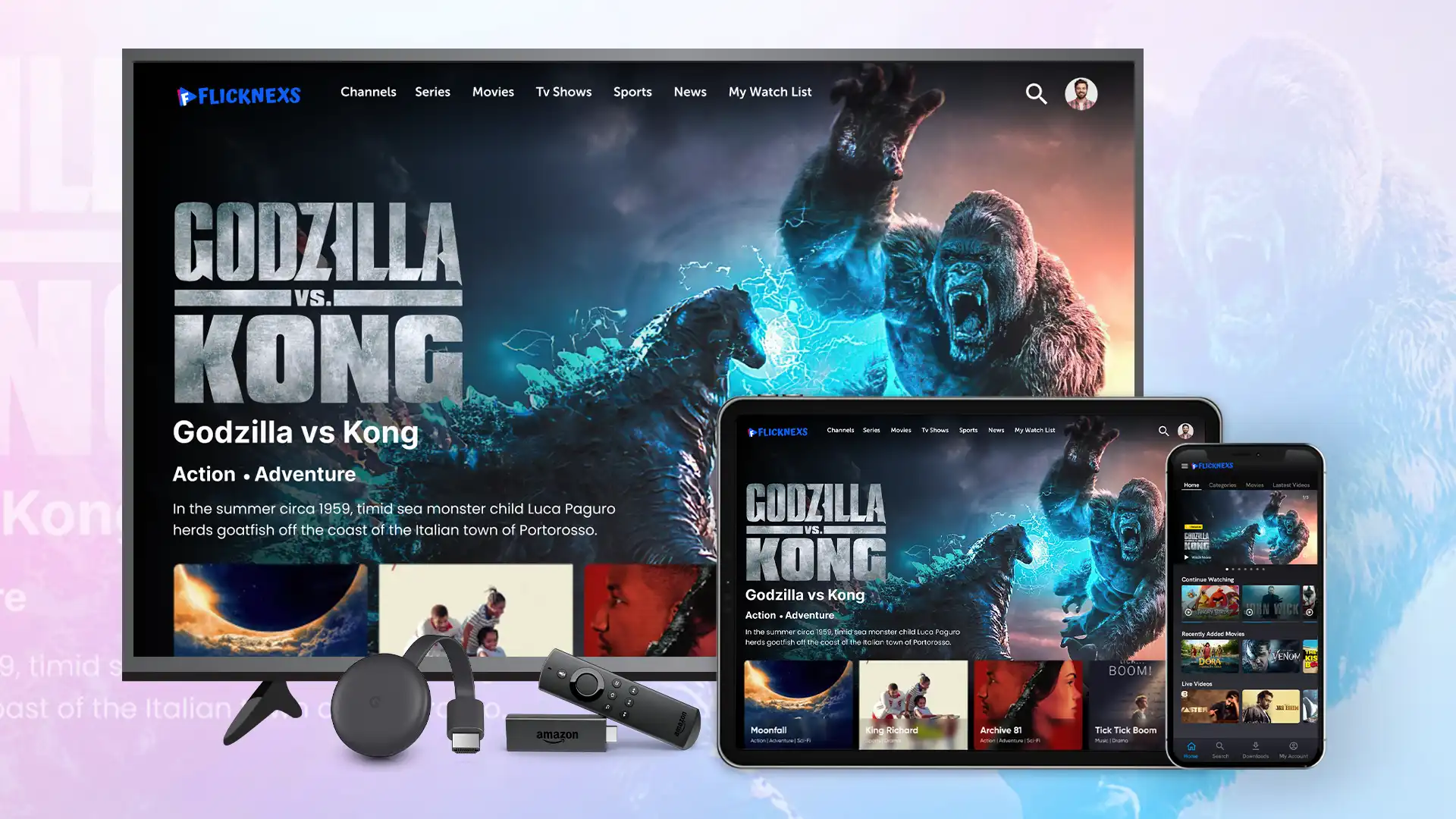
Image Source: blog.flicknexs.com
Your Vision: What Kind of Channel Will You Create?
The first step in creating your TV channel is to define its purpose and audience. Think about what you want to share and who you want to reach.
Identifying Your Niche and Target Audience
- What are you passionate about? This is the most crucial question. Your passion will fuel your content and keep you motivated.
- What unique perspective can you offer? What makes your voice or viewpoint stand out?
- Who are you trying to reach? Define your ideal viewer. Consider their age, interests, location, and viewing habits.
- What problems can you solve or entertainment can you provide for them?
Brainstorming Content Ideas
Once you have a clear vision, it’s time to brainstorm the actual video content creation.
- List potential show formats: Talk shows, documentaries, tutorials, vlogs, interviews, comedy sketches, gaming streams, cooking demos, travelogues, etc.
- Develop specific show concepts: Give each show a unique title, a brief description, and a target audience.
- Consider episode structure: How will each episode flow? What will be the key segments?
- Think about visual style: What kind of look and feel do you want for your channel? This includes graphics, colors, and overall aesthetic.
Building Your Channel: The Technical Foundation
To bring your TV channel to life, you’ll need to choose the right streaming platform and necessary tools.
Choosing the Right Streaming Platform
The platform you choose will determine how your content is delivered and how viewers access it.
- YouTube: The largest video-sharing platform, offering free hosting and broad reach. Ideal for discoverability.
- Vimeo: Known for its higher-quality streaming and more professional feel. Often preferred by creators focused on artistic or business content.
- Twitch: Primarily for live streaming, especially popular for gaming, but expanding into other content categories. Great for real-time interaction.
- Facebook Live/Watch: Integrates with your existing social media presence, allowing you to stream to your followers.
- Custom Websites/Apps: For more control and branding, you can build your own website or app, often integrated with a streaming platform provider.
Platform Comparison Table
| Feature | YouTube | Vimeo | Twitch | Facebook Live/Watch |
|---|---|---|---|---|
| Primary Use | On-demand video, broad audience | High-quality video, professional focus | Live streaming, interactive communities | Social media integration, community building |
| Monetization | Ads, memberships, Super Chat | Subscriptions, direct sales | Ads, subscriptions, bits, donations | Ads, fan subscriptions, stars |
| Ease of Use | Very easy | Easy | Moderate | Easy |
| Audience Reach | Massive | Growing, niche | Large, engaged | Large, connected to social graph |
| Customization | Limited branding | Good branding options | Channel customization | Page customization |
Essential Equipment and Software
You don’t need Hollywood-level gear to start, but a few essentials will significantly improve your media production quality.
Minimum Equipment Checklist
- Camera: A smartphone with a good camera is a great starting point. As you grow, consider a DSLR, mirrorless camera, or webcam.
- Microphone: Good audio is crucial. A lavalier (lapel) mic or a USB microphone will make a huge difference.
- Lighting: Natural light is best, but consider a ring light or softbox for consistent, flattering illumination.
- Tripod or Stabilizer: To keep your shots steady and professional.
Broadcasting Software
To manage your online broadcasting and live streaming, you’ll need broadcasting software.
- OBS Studio (Open Broadcaster Software): Free, open-source, and powerful. Supports live streaming and recording. It’s a popular choice for its versatility.
- Streamlabs OBS: Based on OBS Studio, it adds user-friendly features, overlays, and integrations for streamers.
- XSplit Broadcaster: A paid option with advanced features, scene switching, and good support.
- Restream Studio: Allows you to host and stream with guests directly from your browser.
Content Production: Bringing Your Shows to Life
This is where your creative vision takes shape through video content creation.
Planning and Scripting
Even for unscripted content, planning is key.
- Outline your episodes: Create a roadmap for each show.
- Write scripts or bullet points: This helps ensure you cover all your key messages and maintain flow.
- Prepare talking points: For interviews or discussions, have a list of questions ready.
- Storyboard visuals: If you have specific shots in mind, sketch them out.
Filming and Recording
Quality filming is essential for viewer retention.
- Set up your equipment: Ensure your camera is stable, your lighting is adequate, and your audio is clear.
- Record in a quiet environment: Minimize background noise.
- Focus on clear delivery: Speak clearly and at a good pace.
- Vary your shots: Use different angles to keep viewers engaged.
Editing Your Videos
Post-production polishes your video content creation.
- Editing Software:
- Free: iMovie (Mac/iOS), Windows Video Editor, DaVinci Resolve (powerful, professional, with a free version).
- Paid: Adobe Premiere Pro, Final Cut Pro (Mac).
- Basic Editing Tasks:
- Trimming and cutting
- Adding intro/outro music and graphics
- Color correction
- Sound mixing
Launching Your Channel: Going Live!
Now it’s time to get your channel out there for online broadcasting.
Setting Up Your Channel Profile
This is your channel’s storefront.
- Channel Name: Make it memorable and relevant to your content.
- Profile Picture/Logo: A professional and recognizable image.
- Channel Banner/Header: Visually represent your brand and content.
- Channel Description: Clearly explain what your channel is about and who it’s for. Include relevant keywords.
- Links: Add links to your social media, website, or other platforms.
Uploading Your First Videos
The process is usually straightforward on most platforms.
- Video Title: Make it catchy and informative, including keywords.
- Video Description: Provide a detailed summary, include keywords, and add relevant links.
- Tags/Keywords: Help viewers find your content.
- Thumbnails: Create custom, eye-catching thumbnails for each video. This is crucial for click-through rates.
Live Streaming Your Content
For live streaming, you’ll typically need to connect your broadcasting software to the streaming platform.
- Schedule your streams: Announce your live sessions in advance.
- Test your connection: Ensure a stable internet connection for a smooth broadcast.
- Engage with your audience: Respond to comments and questions in real-time.
Growing Your Audience and Building Community
Creating content is only half the battle; getting people to watch and connect is the other.
Promoting Your Channel
You need to tell people your channel exists!
- Social Media: Share your videos and live streams on platforms like Facebook, Instagram, Twitter, TikTok, etc.
- Cross-Promotion: Collaborate with other creators in your niche.
- Email Lists: If you have a website or blog, build an email list to notify subscribers of new content.
- SEO Optimization: Use relevant keywords in your titles, descriptions, and tags on platforms like YouTube to improve discoverability.
Fostering Audience Engagement
Interaction is key to building a loyal following.
- Respond to comments: Show your viewers you value their input.
- Ask questions in your videos: Encourage viewers to participate in the comments.
- Run Q&A sessions: Dedicate time to answer viewer questions.
- Create polls and surveys: Get direct feedback on your content.
- Build a community space: Consider a Facebook group, Discord server, or forum for your fans.
Monetizing Your Channel: Earning from Your Content
Once you have a growing audience, you can start thinking about content monetization.
Common Monetization Strategies
- Advertising Revenue: Platforms like YouTube share ad revenue with creators.
- Channel Memberships/Subscriptions: Offer exclusive content or perks to paying subscribers.
- Merchandise: Sell branded t-shirts, mugs, or other products.
- Affiliate Marketing: Promote products you use and trust, and earn a commission on sales.
- Sponsorships/Brand Deals: Partner with brands for sponsored content.
- Donations/Tips: Platforms like Twitch and YouTube offer ways for viewers to directly support creators.
- Selling Digital Products: Create and sell e-books, courses, or other digital assets related to your niche.
Monetization Readiness Checklist
| Strategy | Audience Size Needed | Content Type Suitability | Typical Payout | Effort Required |
|---|---|---|---|---|
| Advertising Revenue | Moderate to Large | Most | Variable | Low to Moderate |
| Channel Memberships | Moderate to Large | Any | Variable | Moderate |
| Merchandise | Growing | Brand-focused | Variable | Moderate to High |
| Affiliate Marketing | Small to Moderate | Product review/tutorial | Variable | Moderate |
| Sponsorships | Moderate to Large | Most | High | High |
| Donations/Tips | Any | Live streaming, engaging | Variable | Moderate |
| Selling Digital Products | Growing | Educational, niche | Variable | High |
Sustaining and Evolving Your Channel
Creating a channel is an ongoing process.
Analyzing Performance and Feedback
- Use platform analytics: Track viewership, watch time, audience demographics, and traffic sources.
- Listen to your audience: Pay attention to comments, suggestions, and criticisms.
- Adapt your content: Use data and feedback to refine your content strategy.
Scaling Your Production
As your channel grows, you might need to scale up.
- Invest in better equipment: Upgrade your camera, microphone, or lighting.
- Hire help: Consider an editor, graphic designer, or social media manager.
- Expand your content formats: Try new show ideas or live streaming events.
- Build a team: If you have multiple shows, you might need a production team.
Legal and Copyright Considerations
It’s important to be aware of the rules.
- Copyright: Only use music, images, and video clips that you have permission to use or are royalty-free. Platforms like YouTube have content ID systems that can flag copyright infringement.
- Licensing: For some types of content or distribution, you might need specific licenses.
- Disclosure: If you are promoting products or services through sponsorships or affiliate links, you must disclose this to your audience.
- Terms of Service: Familiarize yourself with the terms of service of the streaming platform you choose.
Frequently Asked Questions (FAQ)
- Q: How much does it cost to start a TV channel online?
- A: You can start for free using just your smartphone and free broadcasting software. Costs increase with better equipment and media production quality, ranging from a few hundred to several thousand dollars for professional setups.
- Q: Do I need a broadcast license?
- A: Generally, no, for online broadcasting on platforms like YouTube or Vimeo. Traditional broadcast licenses are for over-the-air television.
- Q: How long does it take to get noticed?
- A: This varies greatly depending on content quality, promotion, and niche. Consistent effort and engaging content are key. Some creators gain traction in weeks, while for others, it can take months or years.
- Q: Can I really make a living from my TV channel?
- A: Yes, many people do! It requires dedication, consistent video content creation, effective promotion, and strategic content monetization.
- Q: What is the difference between live streaming and on-demand video?
- A: Live streaming is broadcasting content in real-time, allowing for immediate interaction. On-demand video is pre-recorded content that viewers can watch anytime.
By following these steps, you can successfully create, launch, and grow your very own TV channel, connecting with audiences worldwide through the power of digital media. Your journey into self-publishing and online broadcasting starts now!